Swift Ops logoSwift OpsWork instructions from video
Control

Keep the approved instruction current.

Record the updated process and compare it with the approved instruction. Review the proposed revision, check which instructions and training records are affected, then approve the release.

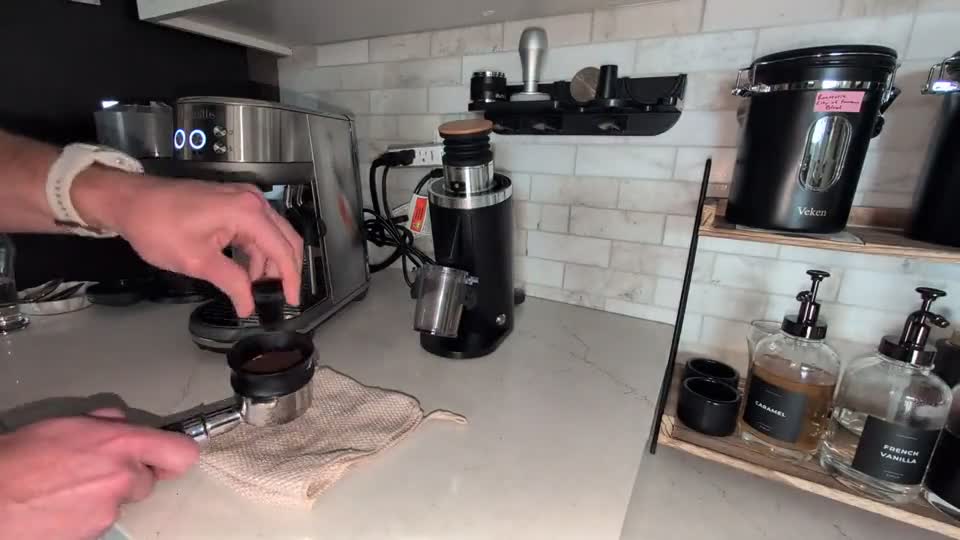
Espresso preparation source frame: distributing coffee grounds

Espresso preparation

Source
25-second recording
Output
Method and safety addition
Status
Awaiting human review
Review the actual example ↓
Actual espresso output

Compare a proposed revision.

One 25-second preparation recording, a nine-step baseline, and a concrete review task. Open the example below to see how the output supports a decision.

Source frame at 00:10: using the needle distribution tool on the espresso grounds
Source evidence · Espresso preparation · 00:10
The examples below may refer to other points in the recording.
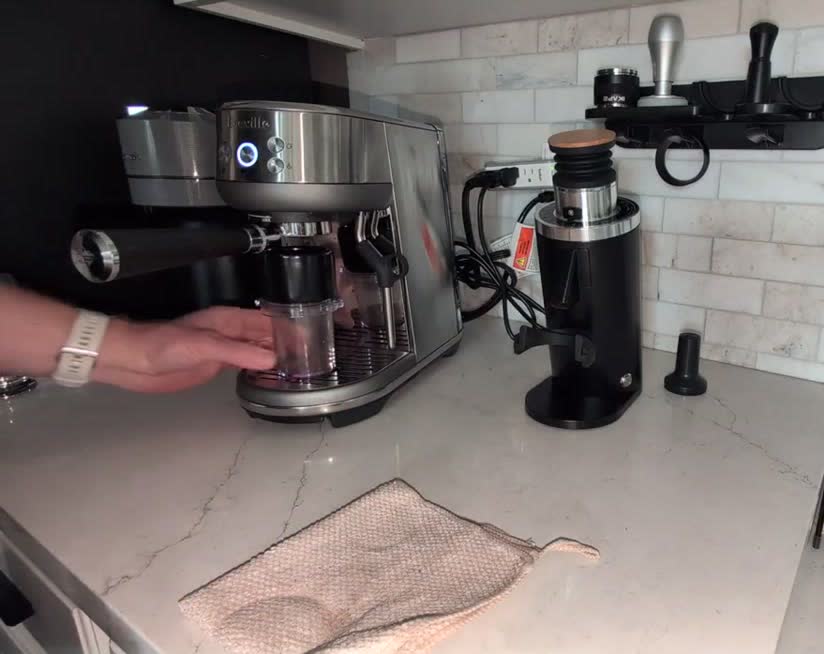
Proposed revision · 00:23

Lock the portafilter

Baseline instruction

Align the portafilter with the espresso machine group head and rotate the handle toward the center until securely locked.

Compare the proposed changeProposed wording

Align the portafilter ears into the espresso machine group head and rotate the handle toward center until firmly locked.

Added safety note

Avoid direct contact with the hot group head surface.

Generated from a 25-second espresso preparation clip and its nine-step baseline. This is a proposed revision, not a released document. A reviewer must approve a release before the current instruction changes.
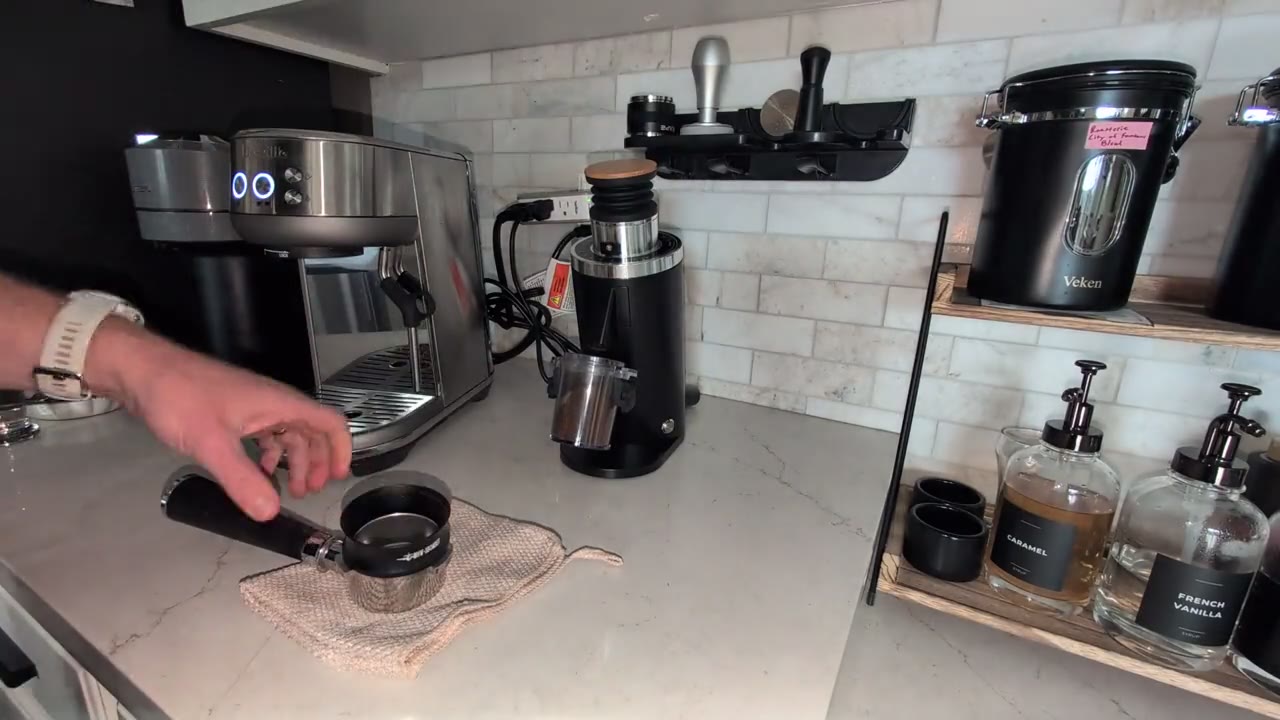
The separate complete espresso walkthrough shows the older 15-step example.

Changed work to controlled revision

Review the change before it becomes the standard.

Control keeps the current instruction in place while a proposed revision is reviewed. The document owner can check the changed steps, source video, and affected records before approving a new version.

Source process video for a changed operation

New process video

Generated standard work revision candidate

Proposed revision

Illustrative release register

RevStatusEffectiveQR
2.1CurrentLive
2.0SupersededOld

Approved release

Control workflow

Record. Compare. Review. Release.

The system can document the change automatically from video evidence, but the release still waits for a document owner or approved reviewer.

1
Select baseline

Start from the released instruction.

Choose the current controlled standard work or work instruction that the new method may replace.

2
Upload change video

Record the method that actually changed.

Swift Ops compares the new process evidence against the baseline and prepares a change summary.

3
Review the draft

Check affected steps and downstream records.

Review the proposed revision, change history, QR impact, training impact, and source evidence.

4
Approve release

Update the control matrix after approval.

The released revision becomes current, superseded versions stay visible, and linked training records can be marked for review.

Document-control records

See which version is current and who approved it.

Control artifactWhat Swift Ops preparesHuman decision
Revision candidateChanged steps, source video, affected work instruction, and proposed release metadata.Approve or reject
Change historyWhat changed from the released baseline and why the candidate exists.Verify
Control matrixCurrent revision, superseded revisions, effective date, owner, and QR-link status.Release
Training impactLinked positions or certifications that should be reviewed after a release.Mark review

See how a process change becomes an approved revision.

Bring a current instruction and a video of the updated process. We’ll show you how to review the changes and release a new version.